August 15, 2026 · 2 min read
Is It Safe to Use Online Photo Tools? What "Runs In Your Browser" Actually Means
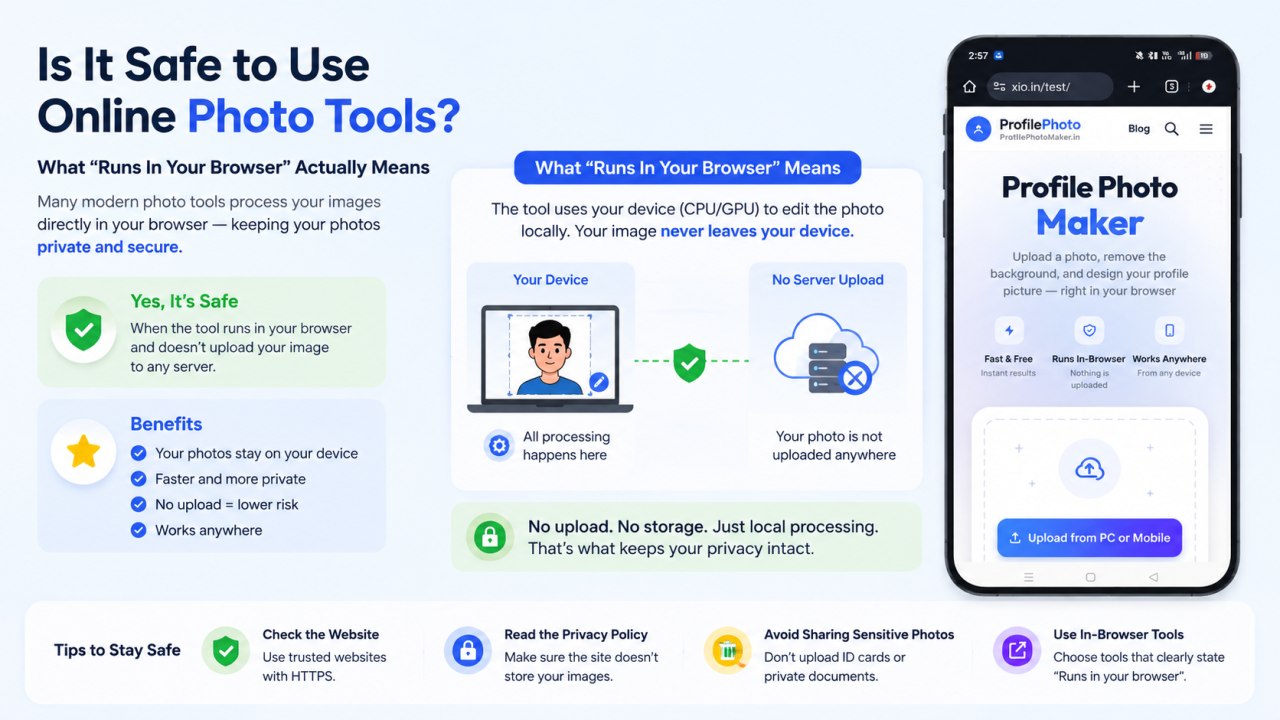
A lot of online photo tools advertise some version of "your photo never leaves your device" or "processed entirely in your browser." It's a meaningful claim when it's true — but it's worth understanding what it actually means technically, since not every tool that says it is being precise.
Two very different ways a "photo tool" can work
Most image-editing websites work by uploading your photo to a server, running the processing there (often because the AI model is too large or slow to run on a phone or laptop), and sending the result back down to your browser. This is completely normal and how most background-removal and AI-editing services operate — but it does mean, for a brief window, your photo travels to and sits on someone else's server.
The alternative — used by tools like Profile Photo Maker — is to load a compact machine-learning model directly into your browser (via JavaScript) and run the entire process, including background segmentation, right there on your own device's processor. The photo is decoded, edited, and exported without a network request ever containing the image data.
How to actually check, not just trust the claim
You don't have to take a site's word for it. Most browsers let you open Developer Tools (usually F12, or right-click → Inspect) and look at the "Network" tab while you use the tool. Upload a photo and watch the network requests: if the tool truly processes locally, you won't see your image file being sent out in any request — only small library and script files being downloaded, the same ones regardless of which photo you use.
Why it matters
For a profile photo specifically, the stakes are usually low compared to something like a sensitive document. Still, "in-browser" processing has real, practical benefits: there's no server storing a copy of your photo (even temporarily), no upload wait time, and the tool keeps working even with a shaky or offline connection once the page and model have loaded.
Our approach
Every feature in Profile Photo Maker — background removal, filters, the comic/halftone effect, manual retouching, and the final PNG export — runs client-side. You can verify this yourself using the Developer Tools method above. Read more in our Privacy Policy.